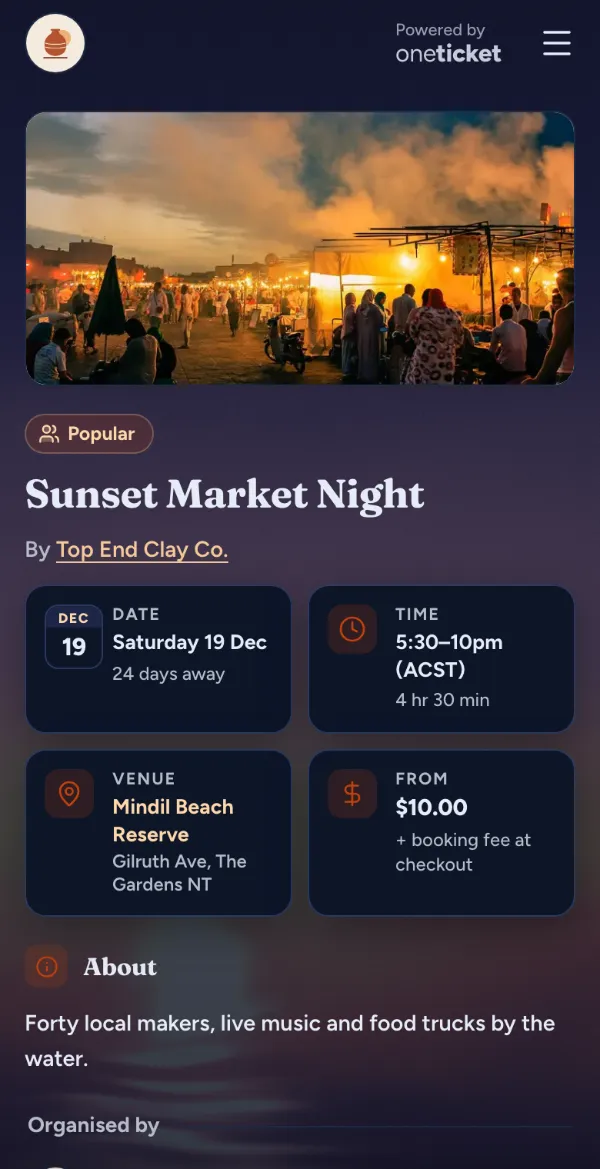
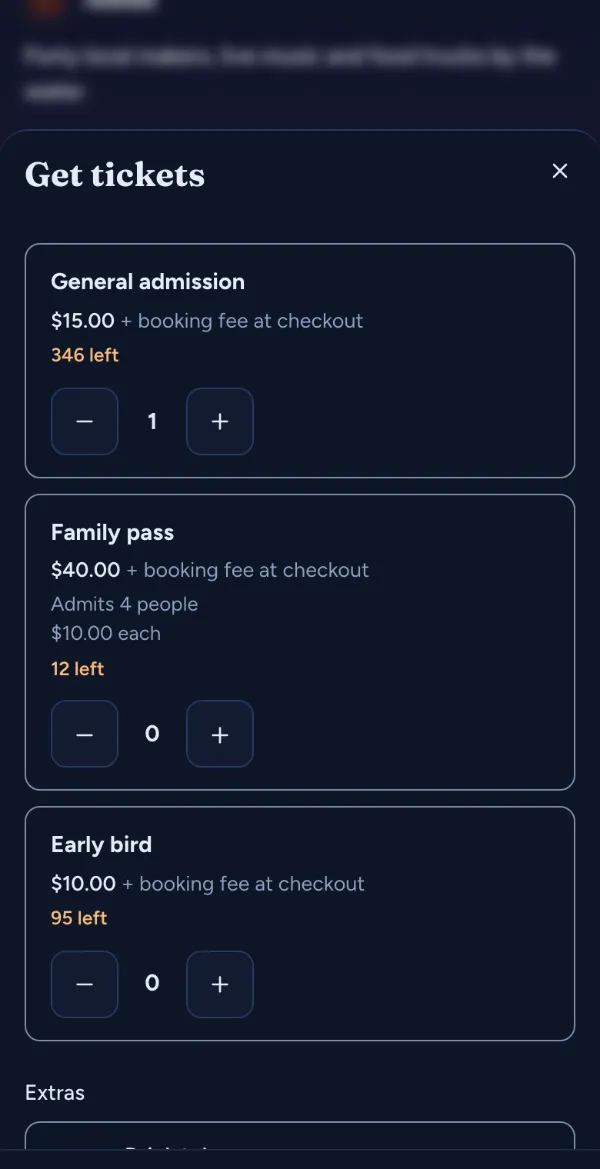
Step 1: A button
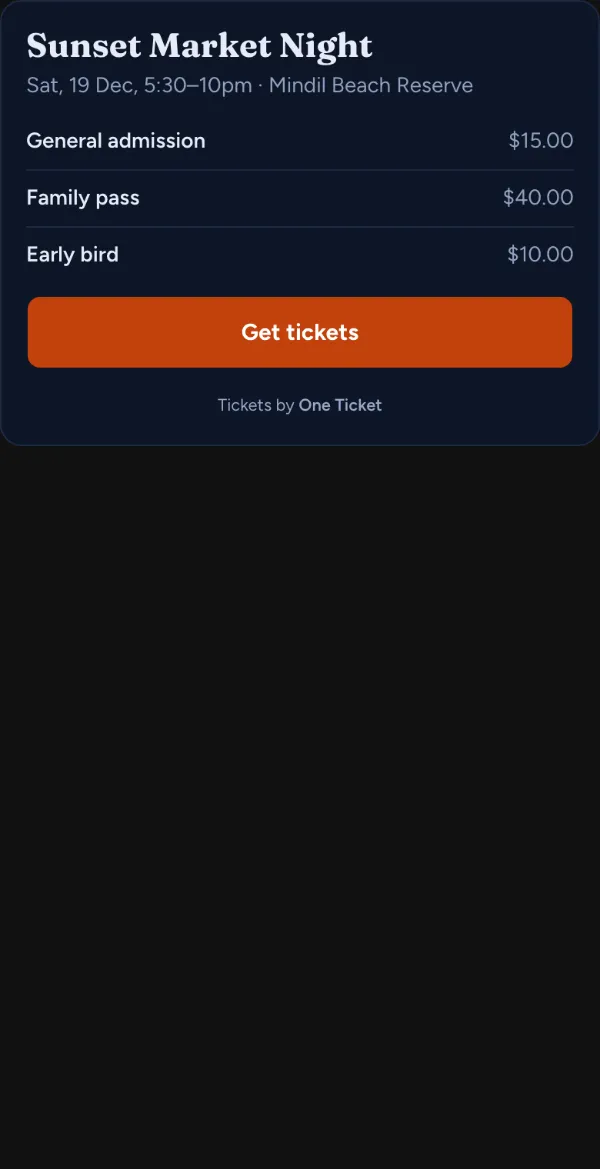
A Buy tickets button that opens the tickets over your page. Give it your own class to style it.
Products · Website widget Every plan
Paste a Buy tickets button, a ticket card or your whole events list into your site. Buyers choose tickets there and pay on One Ticket’s secure checkout.
The widget and tracked links are on every plan, Free included.
What to add
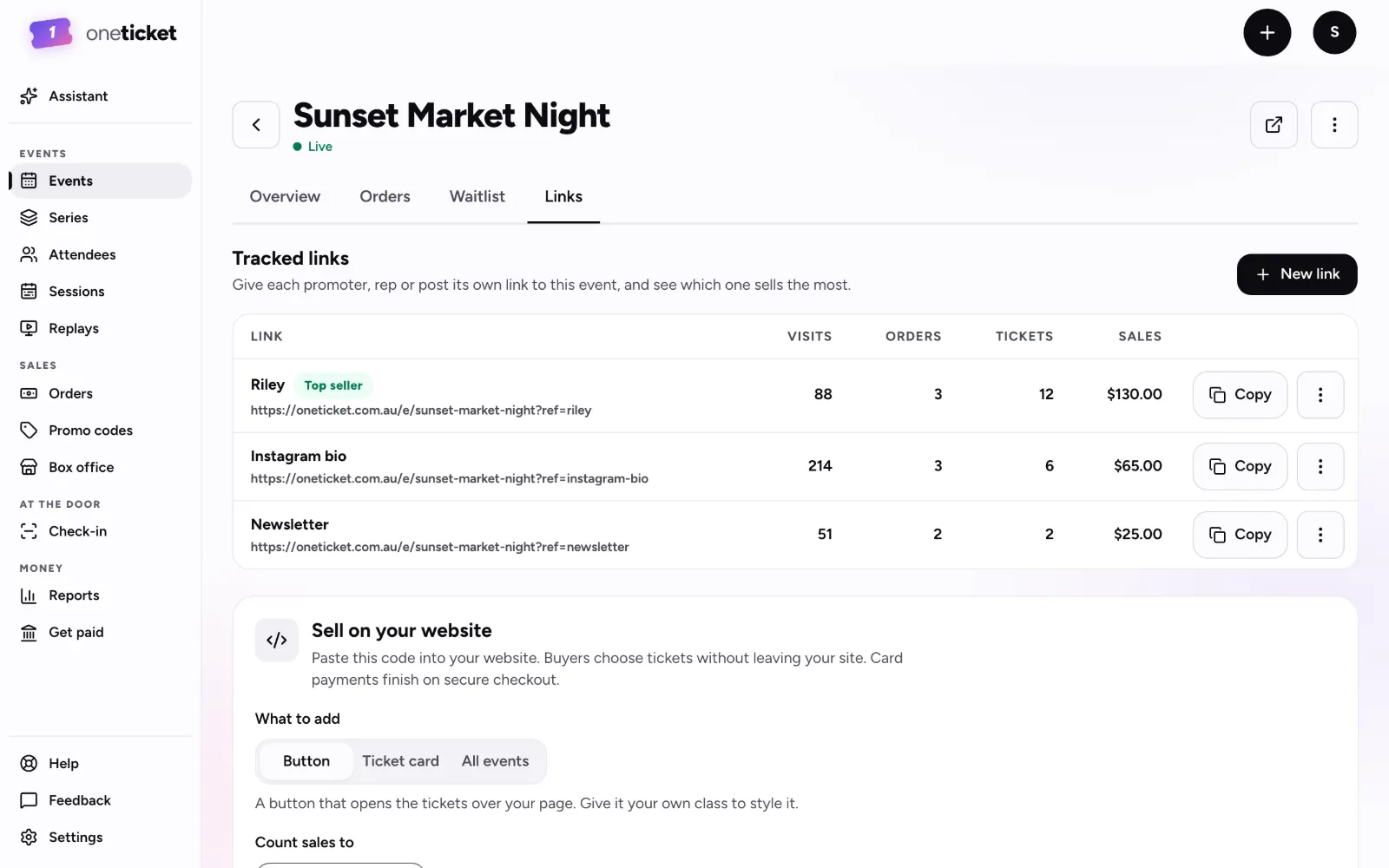
Copy the code from your event’s Links tab and paste it into your page.
A Buy tickets button that opens the tickets over your page. Give it your own class to style it.
One event’s card with a Get tickets button, for a page about that night.
A list of every upcoming public event of yours, kept up to date as you add more.
Tracked links Every plan
A named link for each promoter, post or newsletter, counting the visits and sales each one brings.
Yes, on every plan: add a Buy tickets button, a ticket card or your events list, and buyers pay on One Ticket’s checkout.
Card payments finish on One Ticket’s secure checkout, and the money goes to your own Stripe account, as on your event page.
A link to your event with its own name, for a promoter or a post. Each counts the visits and sales it brings, so you see what works.