Check people in
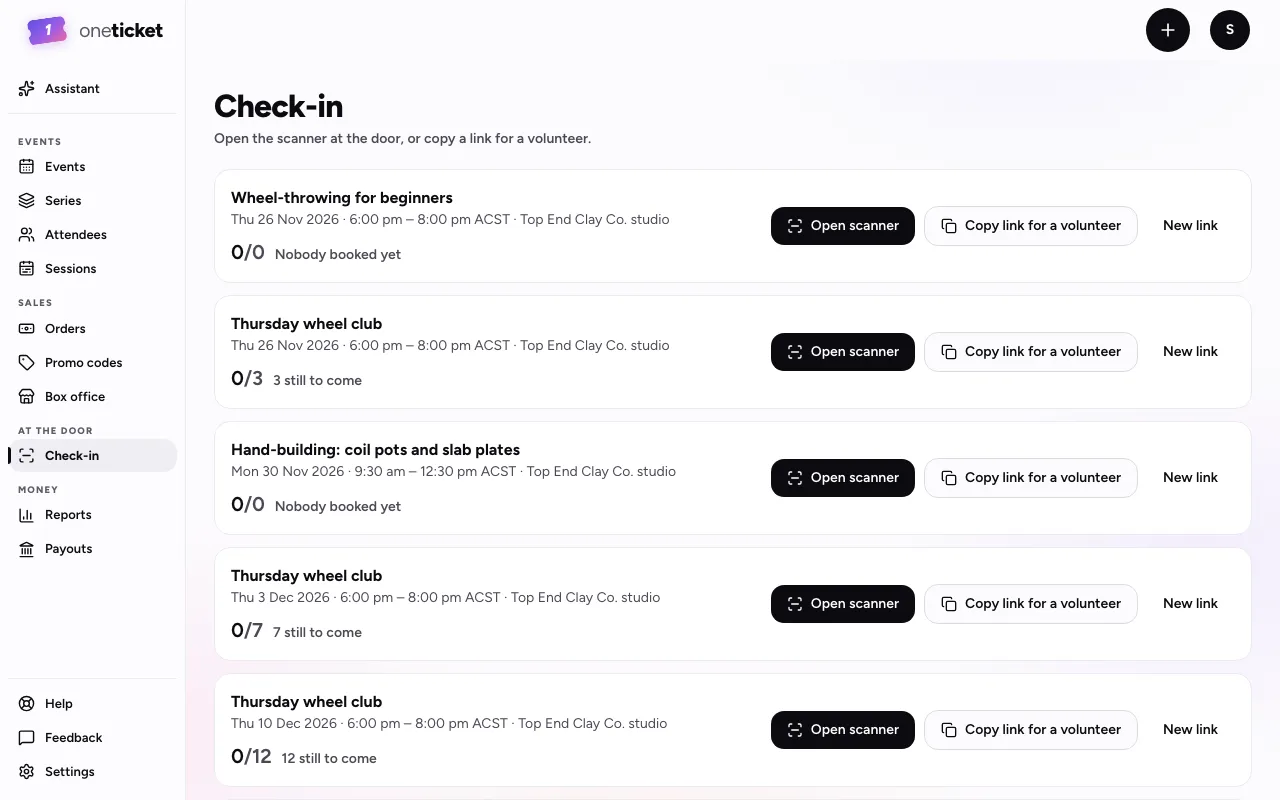
Scan tickets with any phone's camera, or find guests by name. No app needed.
Check-in works in the browser on any phone, tablet or laptop with a camera. There's no app to install.
Open the scanner
- Choose Check-in (on a phone, More, then Check-in).
- Your in-person events are listed from when they're published until the day after they run, with how many are in so far.
- Choose Open scanner beside the event.
Scan tickets
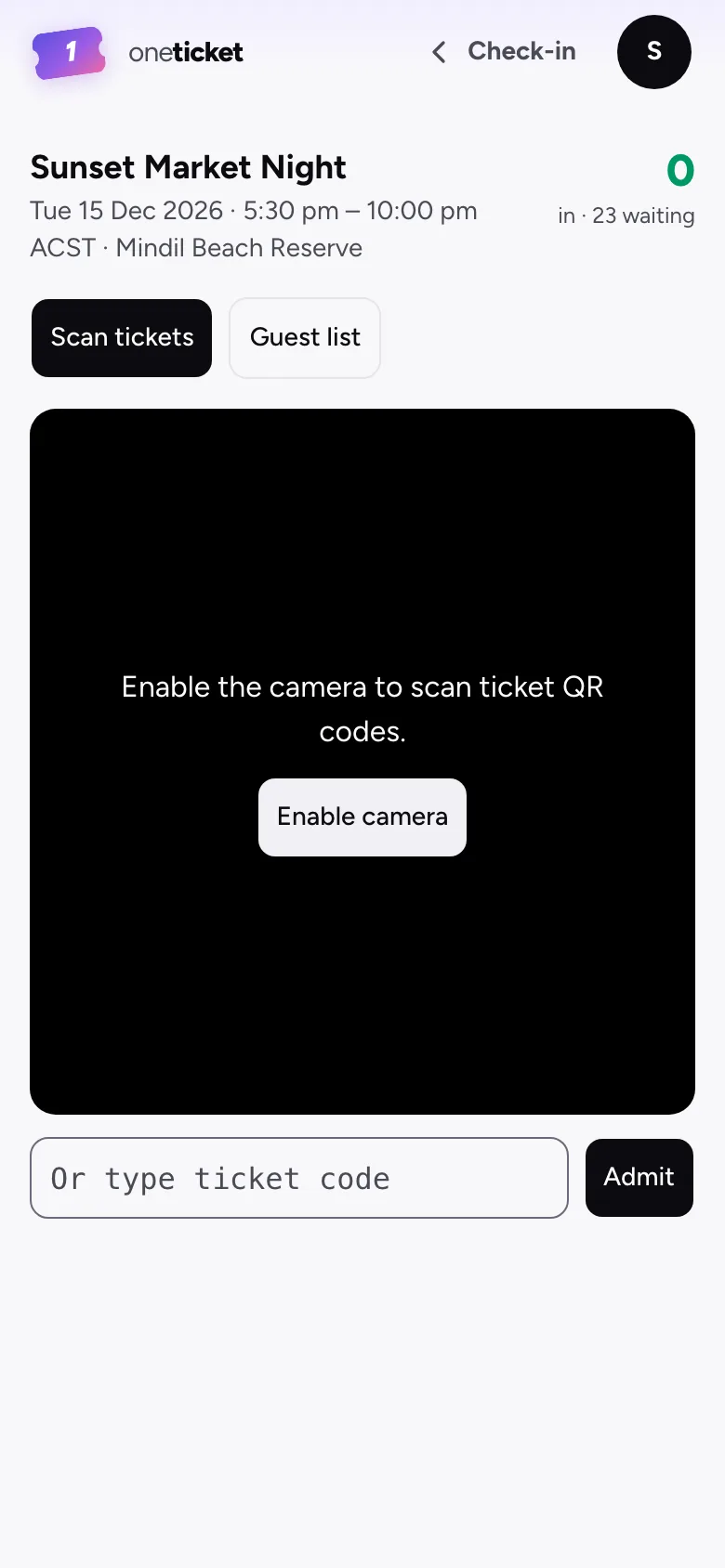
- On the Scan tickets tab, choose Enable camera and allow the camera when your browser asks.
- Point the camera at the QR code on the guest's phone or printout.
- The banner says what happened:
- Welcome, Name: they're in. For a group booking it shows "Their booking: 2 of 4 in", and any extras on the booking.
- Already in: this ticket has been scanned before.
- Ticket not valid: it was refunded, cancelled (a deleted order says "That order was cancelled") or never paid. A replay-only ticket says "A replay-only ticket: no entry. They get the recording after the event." A ticket passed on to someone else says "This code was replaced: the ticket was transferred. Only its new QR gets in."
- Ticket for another event: a real ticket, but for another of your events. It names that event and its date.
- Not on this guest list: not one of this event's tickets. Check the code.
Scanned someone by mistake? Choose Undo check-in.
No camera, or a crumpled printout? Type the code into Or type ticket code and choose Admit.
Find someone by name
Choose the Guest list tab. Search by name, email or code, filter by Everyone, Waiting or In, and choose Check in beside their name.
Good to know
- The count at the top shows how many are in and how many are still waiting.
- A session's team note shows above the tabs, for your team only (not on a volunteer's door link). See Team notes.
- If the signal drops, the page says "No signal". Scans work again when you're back online.
- On an event that runs over several days, each ticket checks in once a day. A night that runs past midnight still counts as its own day until it ends, so a guest re-entering at 1 am isn't let in again as the next day. Each day's door opens 12 hours before its start (never before the night before has ended). A scan more than 12 hours before a night starts doesn't count for that night, so test the scanner the day before the first night, or with a test ticket.
- Already in shows when the ticket was scanned, in the event's own time zone, whichever time zone the phone is set to.
- Online events and events set to No QR code on tickets aren't listed. Find those guests on Attendees.
Want volunteers to scan without signing in? See Door links for volunteers.
Still stuck? Contact support and a person will get back to you.