Tracked links
A named link for each promoter, rep or post, with its visits and sales.
A tracked link is your event's link with a name attached, such as "Riley" or "Instagram bio". Each one counts its visits, orders, tickets and sales, so you can see who sells the most.
For people who bring others to your webinars and want to hear how they took part, use referrers instead: each has their own link, and is emailed after each showing. Their links show on the same Links tab, under Referrer links.
Make a link
- On Events, choose the event to open its page in the app.
- Choose the Links tab.
- Choose New link.
- Give it a Name after who or where you'll share it. Only you and your team see the name.
- Choose Make link, then Copy to copy it.
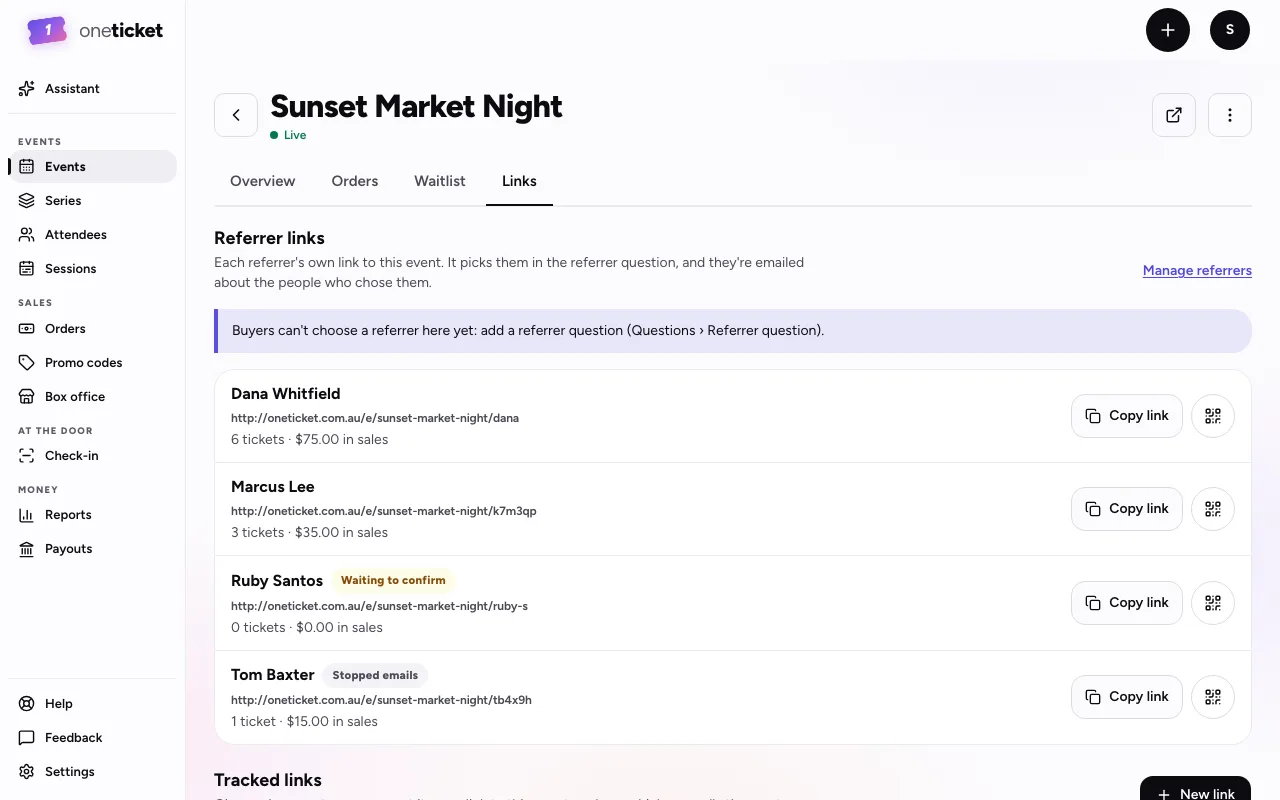
See what each link brings
The table shows each link's Visits, Orders, Tickets and Sales. The best one is marked Top seller. Each order brought by a link shows it under Came from.
Rename or delete
Open a link's menu (⋮):
- Rename: its address stays the same, so links already shared keep counting.
- Delete: the link stops counting. Orders it brought keep its name.
Still stuck? Contact support and a person will get back to you.