Checkout reminders
One friendly email to a buyer whose paid checkout ran out before they paid.
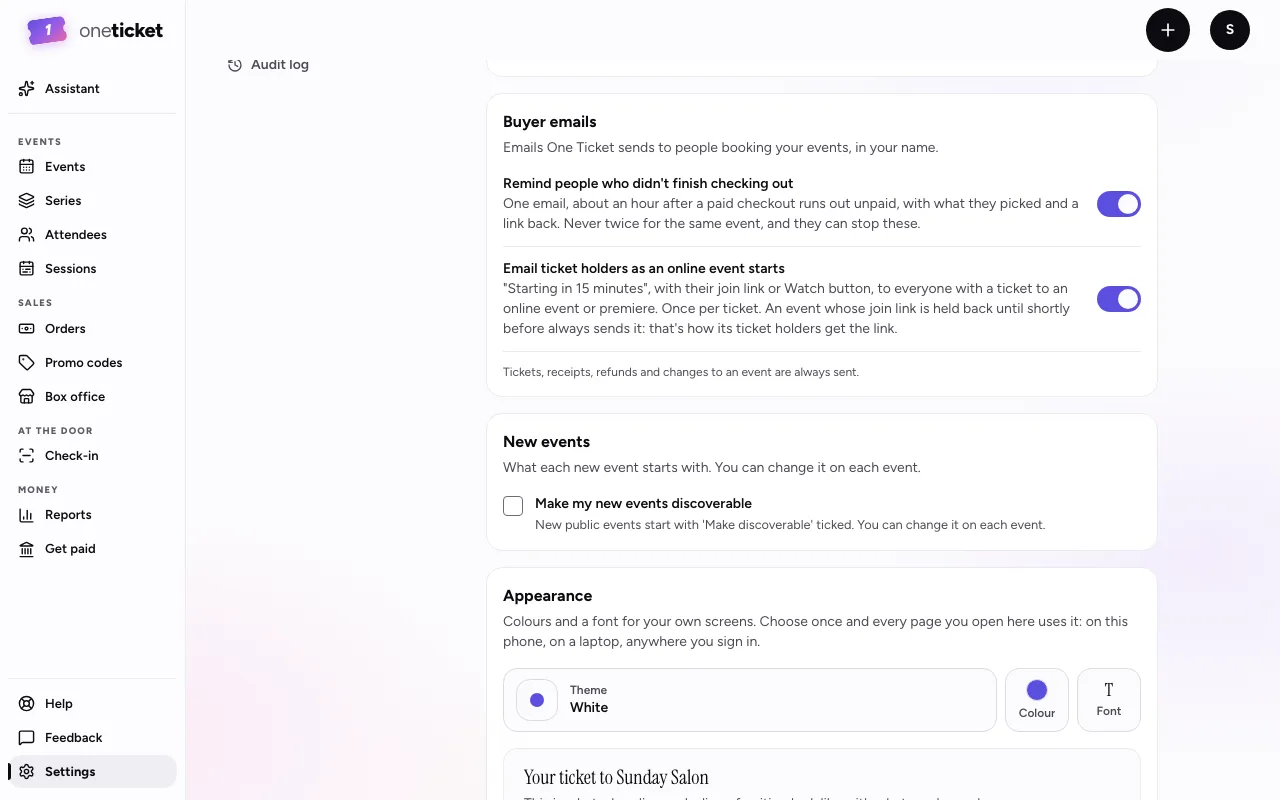
When someone starts a paid checkout and it runs out before they pay, One Ticket can send them one email, about an hour later, with what they picked and a link back to finish.
Turn reminders on or off
- Go to Settings, then Preferences.
- Under Buyer emails, switch Remind people who didn't finish checking out on or off.
Good to know
- A buyer is never reminded twice for the same event.
- Each email has a link to stop these reminders.
- Reminders count towards your daily email limit.
- They're on every plan, Free included.
Still stuck? Contact support and a person will get back to you.