When you get paid
How ticket money reaches your bank: two days after each event, or as it sells through our trust system, on request.
Ticket money goes into your own Stripe account as each order is paid. Stripe then pays it out to the bank account you gave it. One Ticket never holds your money.
When payouts happen
- Two days after each event: ticket money is paid out once guests have had a chance to say how it went, so refunds are there if an event can't go ahead. Money for events still to come stays in your Stripe balance until then.
- Instantly, as it sells: it can be paid out as your tickets sell instead, through a trust system set up by One Ticket, up to the size of your biggest event so far. Email us to ask about it.
An open refund request keeps an event's money held a little longer.
See your balance
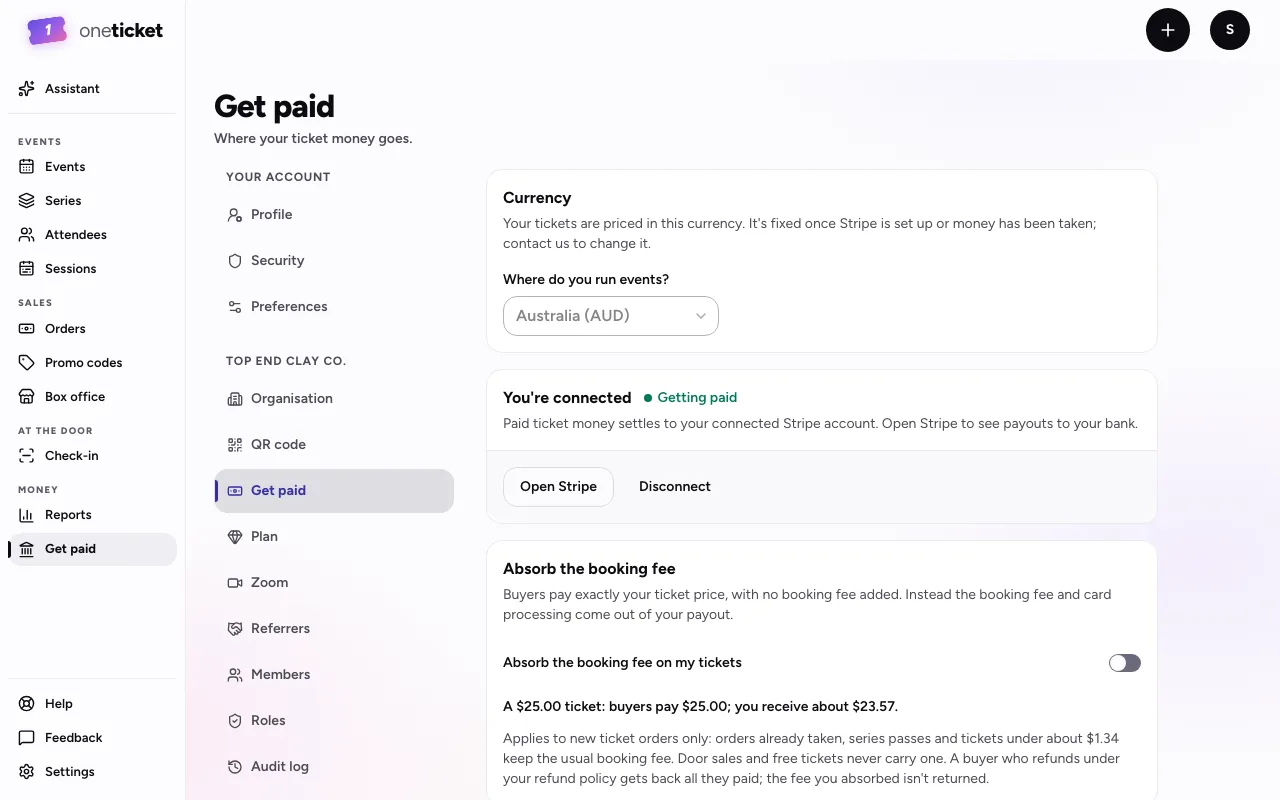
- Go to Get paid in the menu on the left.
- With Stripe connected, Your balance shows what's Available and On the way, your Recent payouts, and the schedule they follow.
- Choose Open Stripe for the full detail.
Payouts on hold
Get paid says when your money is held, with a Payouts on hold badge:
- Payouts on hold: a payment was disputed: a buyer disputed a payment with their bank, so each event's money is paid out two days after the event, even if you're paid as tickets sell, until One Ticket reviews your account. Orders shows the disputed order.
- Payouts on hold while One Ticket reviews your account: the same, while a review is done. Contact support if you have questions.
- An event's own payout on hold: three guests told us it didn't go ahead, so its payout waits while One Ticket checks with you. If it went ahead, send our support team anything that shows it, like photos or check-ins; if it didn't, refund your guests from Orders. The hold ends by itself 60 days after the event, and your other events are paid out as usual.
A payout didn't reach your bank
If Stripe can't pay into your bank, Get paid says A payout didn't reach your bank, with the amount and Stripe's reason. The money is safe in your Stripe balance. Check your bank details in Stripe; once they're right, Stripe pays it out again.
Stripe has paused payments
Stripe can stop your account taking payments, usually because it needs more details or a document checked. Get paid then says Stripe has paused payments, and buyers see your paid tickets as temporarily unavailable (free tickets still work). Choose See what Stripe needs to fix it.
Tax invoices
Buyers get a receipt as a PDF with their paid tickets. Set what it shows on Get paid, under Tax invoices:
- ABN: your Australian Business Number. Leave it blank if you don't have one: receipts stay purchase receipts.
- Registered for GST: receipts become tax invoices, showing the GST inside your ticket prices, so attendees can claim it back. It needs a valid ABN first.
Selling in another currency, set your sales tax (or VAT) Rate instead, with What to call it and an optional Registration number. It's shown on the receipt as part of your ticket price: nothing extra is added at checkout. Only the owner can change these.
Good to know
- You receive 100% of your ticket price. The buyer pays the booking fee on top, unless you absorb it.
- Free tickets and box office sales don't go through Stripe.
- For subscriptions, one billing period stays in your balance until its sessions run.
See Fees and Connect Stripe.
Still stuck? Contact support and a person will get back to you.